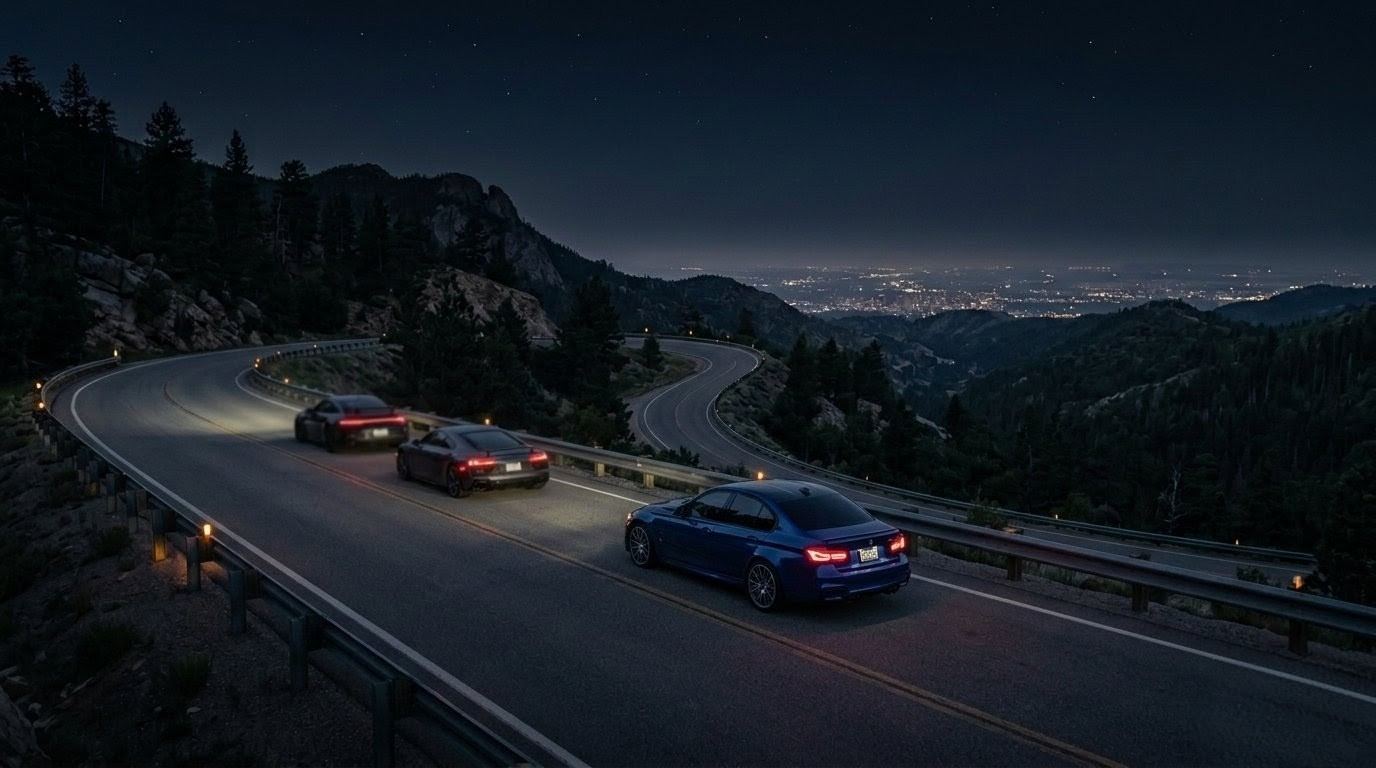

DRIVURS / 01 The app for car enthusiasts
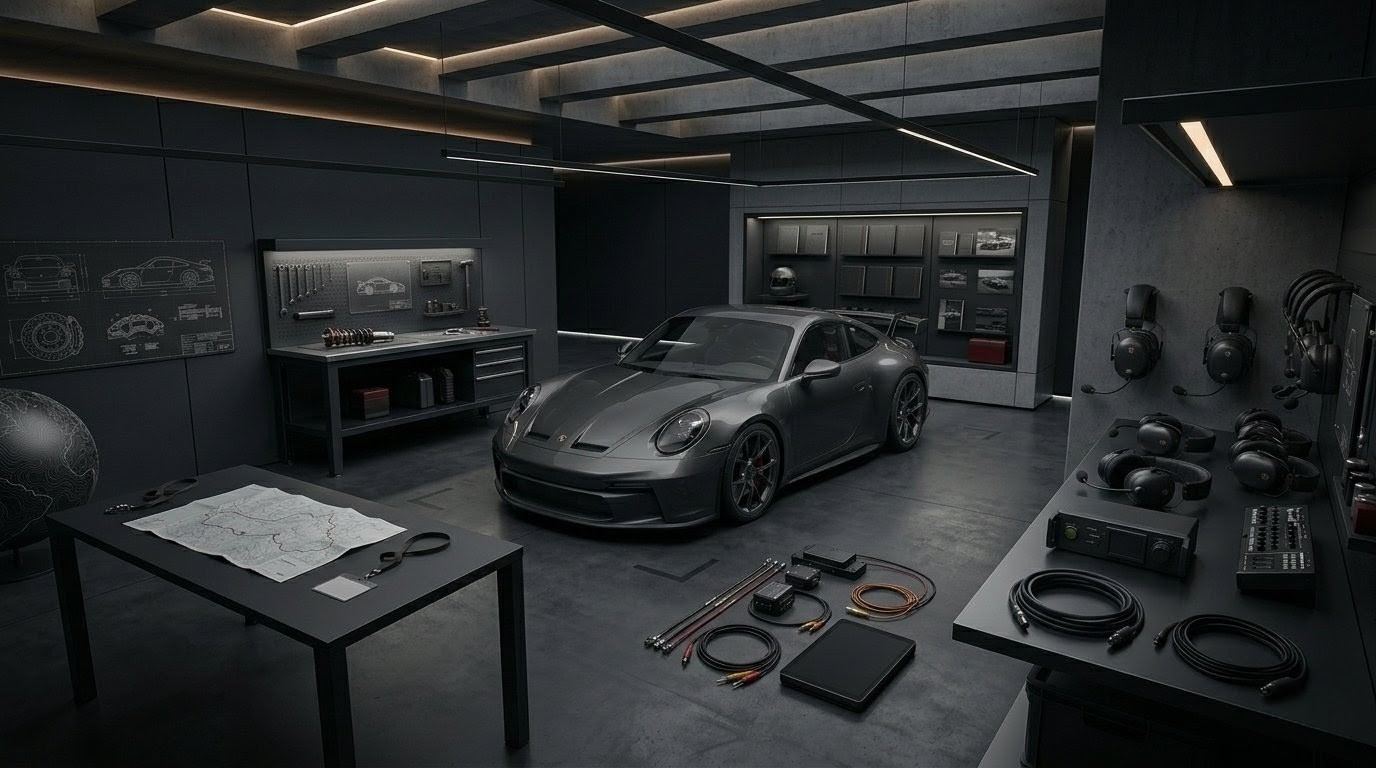
GARAGE Built around your cars
Drag to explore Swipe scenes · scroll to continue
01 / 04
The app for car enthusiasts
Track your cars, mods, and maintenance. Find local meets and clubs, and make plans with your crew - all in Drivurs.
Drag or scroll to explore
Inside Drivurs
Photos, mods, maintenance, and the details you always get asked about. Keep them with the right car.

Available on iPhone and Android
Start here
Your next build, meet, or crew.
Plan an event
Explore the app
Take a closer look at the tools that matter to you.
Explore events and clubs, then check the details before you go.
Check the event details and where to register before you go.
Fictional NYC event. Registration is handled by the organizer.
Get to know a club through its profile, members, and shared garage.
Illustrative NYC club. Premium features shown.
How it works
Less time piecing plans together. More time enjoying your car.
City guides
Choose a city to find upcoming events, local clubs, nearby tracks, and practical guides.
Start with a city guide, or open the full directory to compare every city.
Browse all citiesFind Vancouver meets, clubs, track days, and nearby motorsport events.
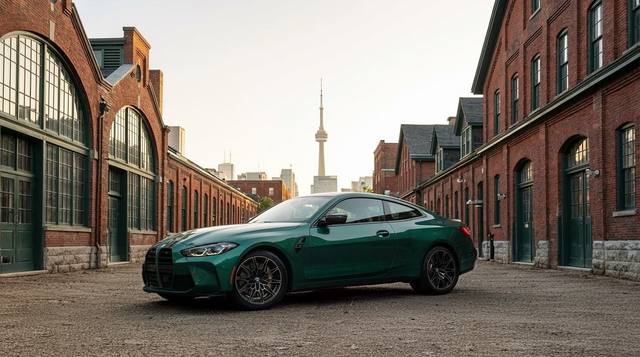
Find Toronto meets, clubs, track days, autocross, and events across Southern Ontario.
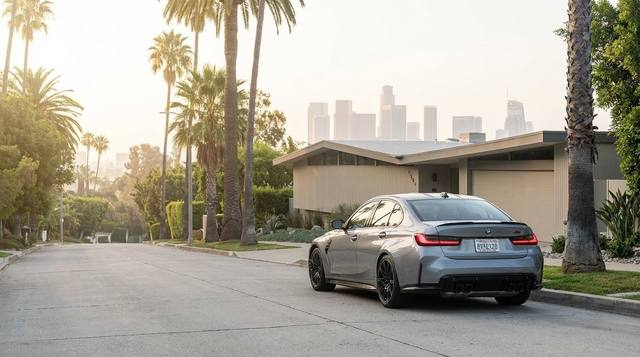
Find Los Angeles meets, clubs, track days, and events across Southern California.
Find Seattle and Puget Sound meets, track days, autocross, and club events.
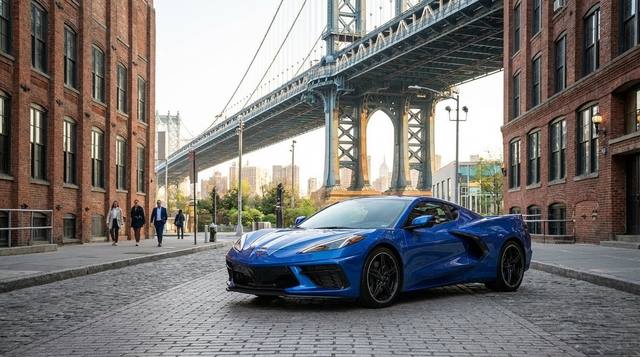
Find New York City meets, shows, track days, karting, and events across the region.
Find Miami meets, clubs, Homestead events, track days, and car shows.
From setup to result
Record with a supported RaceBox device on a track or closed course. Compare times with your car and setup attached, and review GPS signal and slope checks before sharing a result.
Example run · Illustrative data
Setup attached
The vehicle and its current Garage snapshot travel with the session, so the result always has the setup behind it.
Vehicle / setup / session
Data you can trust
The graph, grade, GNSS frequency, and signal checks remain inspectable instead of collapsing into one unexplained number.
Graph / grade / GNSS
Publish with context
Eligibility and visibility stay clear through review, so you decide when a verified result is ready to leave private view.
Eligible / private / published
FAQ
Quick answers about downloads, privacy, pricing, and getting started.
Drivurs is available now on iPhone and Android, and you can get product updates from the download page.
You control visibility. Keep builds private, share with friends, or post publicly when you’re ready. Learn more in Garage.
The road is open
Make room for your next build, your next meet, and your people. Get Drivurs on iPhone or Android.